
Understand how a new account is created and establish a safe backup before regular use.
Create and back upA multi-chain wallet, blockchain network and Web3 knowledge hub from imtoken
Manage Multi-chain Assets and Connect to Web3 with Clarity
Learn how multi-chain assets, network selection, sending and receiving, DApp connections, approvals, blockchain fundamentals and wallet security fit together before you confirm an on-chain action.
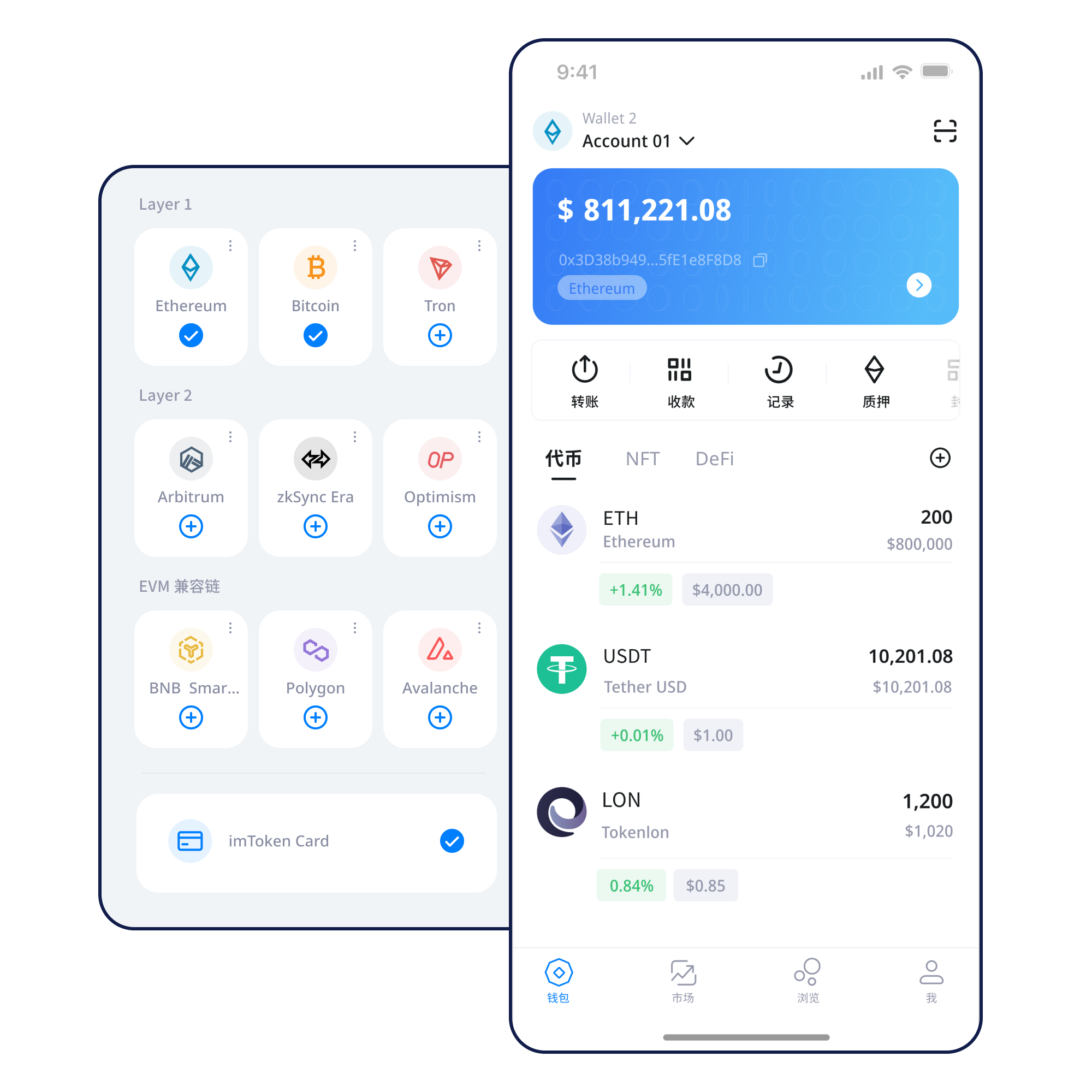
Treat the seed phrase as a secret credential and keep it away from screenshots, chats and exposed cloud storage.
Backup principlesConfirm the network before sharing an address so similar address formats do not hide chain differences.
Receiving guideVerify the address, network, amount and gas before submitting a transaction that may not be reversible.
Transfer checksVerify the domain, requested account and network, then review every signature or approval independently.
Connection guideWallet capabilities
Organized around real wallet tasks
Understand assets, networks, transactions, DApps and security as one connected user journey.
Multi-chain assets
A wallet can expose several networks in one interface, while balances, gas, confirmations and token contracts remain separate on each chain.
imtoken App
View assets, manage networks, initiate transfers and review history. Treat DApp connection, signing and approval as separate decisions.
Send & Receive
For receiving, verify the network and address. For sending, also check the amount, gas and transaction details, then use the hash to track status.
imtoken Web
Understand browser connections, account requests, approvals and disconnecting without assuming that a connected site is automatically trusted.
Wallet security
Users keep control of seed phrases and private keys. Official staff will not request them. Review persistent approvals and use public devices cautiously.
Blockchain networks
Start every transaction with network context
Multi-chain does not merge chains
A multi-chain wallet offers multiple network entry points. Asset location, gas tokens, contracts and confirmation state still need to be evaluated per network.
Public-chain state is maintained by nodes
Transactions propagate, enter blocks and accumulate confirmations. Block explorers help verify the public record.
EVM networks share concepts, not state
Similar-looking addresses do not mean balances, gas markets, token contracts or chain IDs are interchangeable.
Layer 2 requires base-layer context
Bridging and withdrawals can introduce additional confirmation and waiting steps beyond a normal same-chain transfer.
Gas and confirmations answer different questions
Gas is the execution cost; confirmations indicate inclusion and increasing settlement. Congestion can affect both fee levels and timing.
Wallet journey
Six steps for a clearer operating routine
Get imtoken
Use the download entry point without exposing the final mobile target on content pages.
Create or import
Understand the relationship between wallet and address, and never submit a recovery phrase to a website or person.
Back up offline
Keep seed phrases and private keys offline and away from screenshots, chat forwarding and uncontrolled cloud storage.
Select and verify the network
Confirm the chain where the asset actually exists and make sure the receiving side supports the same network.
Receive or send
Before sending, verify the address, network, amount and gas; for receiving, avoid network mismatches.
Check transactions and approvals
Use transaction hashes to verify on-chain status and periodically remove DApp permissions you no longer need.
Web3 & DApps
Evaluate each request on its own
Connecting a wallet does not mean every signature should be accepted. A DApp may request account access, a message signature, a transaction or a token approval, and each step should be reviewed independently.
Read the Web3 guide- Visit the DApp and verify its domain
- Confirm the network and account
- Start the connection and inspect account requests
- Read the exact signature or approval
- Verify the transaction outcome
- Disconnect unused sessions and review approvals
Security
Put verification before confirmation
Wallet security is not only about seed-phrase storage. It also depends on every transfer, signature, approval and device environment. imtoken will never ask for a seed phrase, private key or verification code. On-chain transactions generally cannot be reversed unilaterally by a wallet, and third-party DApps or smart contracts may carry risk.
If a request relies on urgency, fake support, an unfamiliar airdrop or a broad approval, stop and verify the domain, network, contract and permission scope first.
Open Security Center- Back up seed phrases offline
- Never disclose private keys
- Verify network and address
- Inspect signature requests
- Manage DApp approvals
Featured beginner guide
What Should You Understand Before Using a Digital Wallet?
A wallet is not a container that physically stores tokens. It manages keys and helps you interact with blockchains. Addresses identify accounts; seed phrases and private keys control access; networks define where transactions occur; gas is the execution cost; transaction hashes help you verify status; DApps and approvals introduce third-party application and contract permissions.
Start with the beginner guidePublic Chains & Confirmations
Learn blocks, nodes and confirmation depth.
EVM & Smart Contracts
Understand addresses, gas, tokens and approvals.
Layer 2 Basics
Learn base-layer relationships, bridges and arrival checks.
DApp Approvals & Wallet Security
Integrate permission checks into everyday use.
Ethereum Staking
Understand PoS, validators and exits
Ethereum proof of stake relies on validators participating in consensus. Reward sources, network conditions, withdrawals and exit mechanics can change, so validator state and protocol rules matter.
Read staking basicsBefore participating
Rewards are not guaranteed
Staking does not guarantee returns. Rewards can change, exits may involve waiting, validators can be penalized, smart contracts and third-party services carry technical risk, and digital-asset prices can fluctuate.
Learn PoS & validatorsUpdates
Product, network and security information
Product Notice
Wallet guides are organized around setup, backup, transfers, networks and Web3 tasks.
Network selection
Confirm the source chain, destination chain and supported path before cross-network actions.
Approval review
Periodically review DApp permissions you no longer use.
Help center
FAQ coverage includes gas, transaction hashes, EVM, Layer 2, PoS and validators.
FAQ
Common questions
How are seed phrases and private keys different?
Both can control wallet access. A seed phrase commonly restores a set of keys, while a private key controls a specific account. Neither should be shared with anyone.
Why does network selection matter?
Assets and transaction state live on specific blockchains. Similar address formats do not make different networks interchangeable.
What is gas?
Gas is the resource cost of executing an on-chain action and can vary with congestion and operation complexity.
What is a transaction hash for?
It is a key identifier used to check transaction status on the appropriate block explorer.
Does connecting to a DApp equal approval?
No. Connection, signing, transaction authorization and token approval are separate decisions.
Are staking rewards fixed?
No. Rewards can change with protocol rules, network conditions and validator performance.
Ready to use imtoken?
Read the security guide first and make sure you understand seed phrases, network selection and transfer checks.